
REAL APP SCREENSDiscover what you can do in the app
Discover what you can do in the app
through its screens.
Map, route, AI, community and Game Zone. Pick a module to see how the app looks and which need it meets.
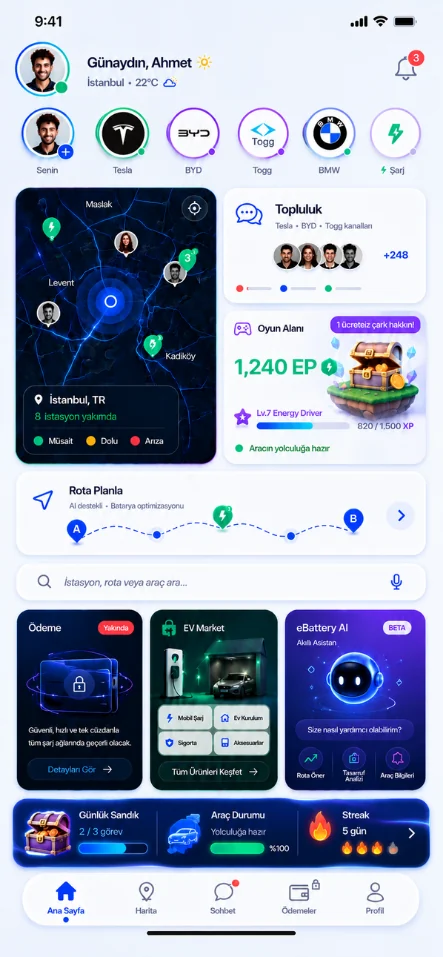
Map & charging
Find a compatible station, make your decision with information.
The map shows charging points compatible with your vehicle together with station information. Layers, filters and favorites help you reach the point you are looking for faster.
- Explore stations on the map
- Narrow down connector and power preferences
- Save the points you use often
STEPS THAT COMPLEMENT EACH OTHER
From one station to one journey.
- 01
Find on the map
Identify the charging point that suits your vehicle.
- 02
Add to your plan
Evaluate the option together with your route and battery needs.
- 03
Share your experience
Bring the route or trip card into the relevant chats.
EBATTERY APPLet your next trip

 Explore the app screens first →
Let your next trip
start here.
Download eBattery.
Discover stations, plan charging breaks and stay connected with drivers. eBattery for iOS and Android.