
Your electric vehicle experience,
in your pocket.
Discover charging stations, plan your trip and stay connected with drivers. Start the eBattery experience by adding your vehicle.
Choose the store
that suits your device.
Download eBattery.


Official store links will be shared on this page.
After installing the app, you can select your vehicle and use connector compatibility and trip information in the same profile.
Explore the app screens →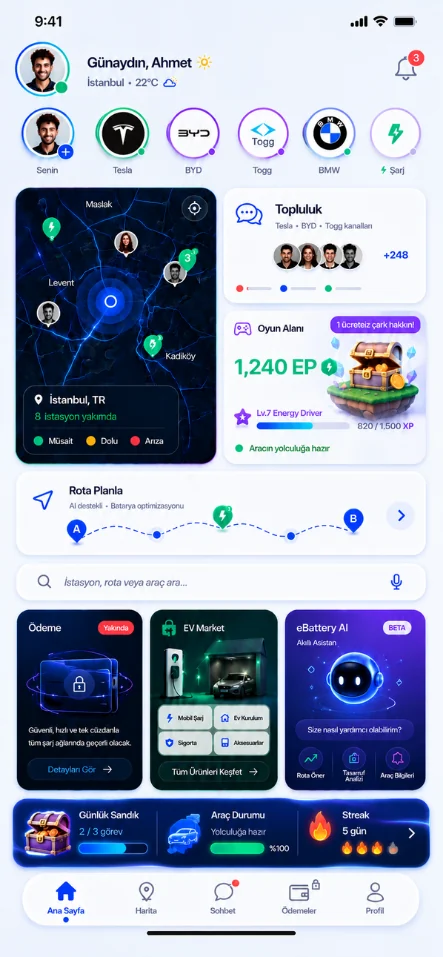
Get ready for your first trip.
- 01
Add your vehicle
Create your profile by checking your vehicle details.
- 02
Set your permissions
Adjust location, visibility and notification preferences to how you use the app.
- 03
Start exploring
Search for a charging point on the map or tell AI your trip plan.
Get the answers to your questions.
Which store link should I use?
Choose the App Store for iPhone or Google Play for Android devices. Redirection to the official eBattery app page will be enabled once the store addresses are added.
Can I see the app before downloading?
On the real app screens page, you can explore the map, route, AI, community and Game Zone.